Essential Features To Review In A UPI App
A UPI app can make everyday digital payments faster by allowing users to send and receive money, pay merchants and manage eligible transactions directly from linked bank accounts. Because the process is simple and widely used, many people rely on UPI for routine expenses such as groceries, utility payments, mobile recharges and transfers.
Some users may also access a loan app within a broader financial platform that combines payments with other services. While having multiple financial tools in one place can be convenient, users should evaluate each feature separately and understand the risks, charges and terms involved.
A reliable UPI app should make transactions easy to verify, secure to authorise and simple to track after payment.
Check The Account Linking Process
UPI typically works by connecting an eligible bank account to the application.
During setup, users may need to verify their mobile number and complete the required authentication steps.
Confirm The Correct Bank Account
Users should ensure that the selected bank account is the one they intend to use for transactions.
This is especially important for people who have multiple bank accounts linked to the same mobile number.
The app should clearly show the selected account before a payment is authorised.
Review UPI ID And Payment Details
A UPI ID acts as a payment identifier and can reduce the need to share bank account details directly.
Users may also pay using QR codes, mobile numbers or other supported identifiers.
Verify The Receiver Before Paying
Before approving a transaction, users should check:
- Receiver name
- UPI ID
- Amount
- Payment purpose
- Selected bank account
A transaction sent to the wrong person may be difficult to reverse.
Careful verification before entering the UPI PIN is therefore important.
Understand The Role Of The UPI PIN
The UPI PIN is used to authorise eligible transactions.
It should remain confidential.
Never Share The PIN
Users should not share the PIN with:
- Customer support callers
- Merchants
- Friends
- Unknown individuals
- Anyone claiming to verify the account
A legitimate payment request should not require users to disclose the PIN to another person.
The PIN should only be entered within the secure payment interface when the user is intentionally authorising a transaction.
Use QR Codes Carefully
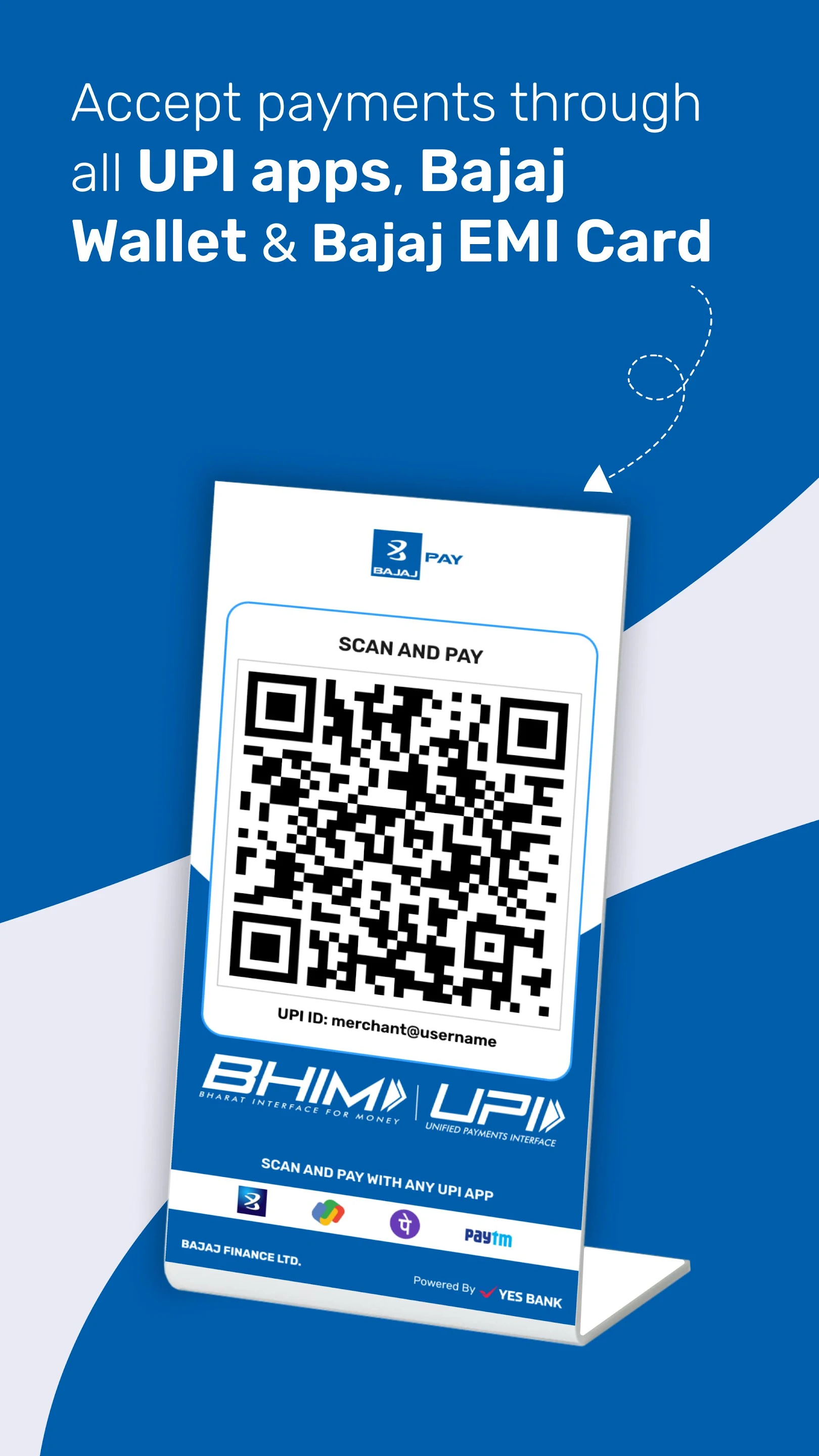
QR codes make merchant payments convenient because users can scan and pay without manually entering account information.
However, the displayed merchant details should still be reviewed.
Avoid Unknown Or Replaced QR Codes
Users should be cautious if a QR code appears altered, damaged or placed over another code.
Before confirming payment, verify the merchant name shown in the application.
This can help reduce the risk of sending money to an unintended account.
Check Transaction Limits
UPI transaction limits can depend on applicable banking, platform and regulatory conditions.
Limits may vary by transaction type or use case.
Know Your Daily Usage Needs
Users who make larger or frequent payments should understand:
- Per-transaction limits
- Daily limits
- Bank-specific restrictions
- Merchant transaction conditions
If a transaction fails because of a limit, repeating it immediately may not solve the issue.
Review Payment History
A useful UPI app should provide a clear record of completed, pending and failed transactions.
Transaction history can help users monitor daily spending and verify whether a payment was processed.
Keep Transaction References
For each payment, useful information may include:
- Transaction ID
- Date and time
- Amount
- Receiver details
- Payment status
These details can be helpful if a dispute or failed payment needs to be reported.
Understand Pending Transactions
Sometimes a transaction may remain pending because of network, bank or system delays.
Users should not immediately assume that the payment failed.
Avoid Paying Twice
Before repeating a pending transaction, check:
- Bank account balance
- Transaction status
- Payment history
- Merchant confirmation
Repeating the payment too quickly may result in duplicate transactions if the first payment is later completed.
Check Bill Payment Features
Many UPI applications also support recurring bill payments.
These may include:
- Electricity
- Mobile
- Broadband
- Gas
- Water
- Other supported utilities
- Verify The Biller Details
Before paying, users should confirm:
- Consumer number
- Biller name
- Amount
- Due date
Saved biller information should also be updated if the service account changes.
Use Payment Reminders Carefully
Some applications provide reminders for upcoming bills or scheduled payments.
These can help users avoid missed due dates.
Keep Notifications Relevant
Too many alerts can make important reminders easier to ignore.
Users may prefer to customise notifications and keep only those that support regular financial tasks.
Review Security Controls
Because UPI applications handle financial transactions, security should be a major consideration.
Useful controls may include:
- Device verification
- Secure login
- Transaction alerts
- Session controls
- App lock options
- Protect The Device Too
Users should also protect the phone itself by using:
- Screen lock
- Biometric authentication where available
- Updated operating system
- Official app sources
A compromised device can create additional risk even when the payment application has security features.
Watch For Fraud Attempts
Fraudsters may use phone calls, messages or social media to convince users to approve transactions.
Common tactics can involve fake refunds, prizes, account verification or urgent payment requests.
Receiving Money Does Not Require A PIN
Users should be cautious when someone asks them to enter a UPI PIN to receive money.
The PIN is typically used to authorise outgoing transactions.
Unexpected payment requests should be rejected unless the user understands exactly why they were sent.
Check Customer Support Access
Support becomes important when users face a failed or disputed transaction.
A useful app should provide clear ways to raise an issue.
Possible channels may include:
- In-app support
- Help centre
- Customer service
- Complaint tracking
- Keep Evidence When Reporting A Problem
Users should retain:
- Transaction ID
- Screenshots where appropriate
- Amount
- Date
- Receiver details
This can help make the support process more efficient.
Understand Charges Where Applicable
Many UPI transactions may not involve a direct user fee, but charges can depend on the transaction type, payment method or associated service.
Users should review the amount displayed before confirming.
Do Not Assume Every Linked Service Is Free
A UPI app may also provide access to credit, insurance or other financial services.
Each service can have its own fees, eligibility conditions and terms.
Users should review them independently.
Keep Borrowing Decisions Separate From Payments
Some users may access an instant loan app for short-term borrowing alongside payment services.
Borrowing should not be treated as an extension of routine UPI usage.
Before taking credit, users should review:
- Interest rate
- EMI
- Fees
- Tenure
- Repayment capacity
Using easy digital access as the main reason to borrow can create unnecessary financial pressure.
Conclusion
A UPI app can make everyday payments more convenient by combining bank transfers, merchant payments, bill payments and transaction records within one interface.
Users should focus on security, receiver verification, transaction limits, payment history and customer support when selecting or using an application.
The most important habit is to verify every payment before entering the UPI PIN and to treat unexpected requests cautiously.
Digital payments are convenient, but careful account management and strong security practices remain essential.